MiraFolio Support

How can we help?

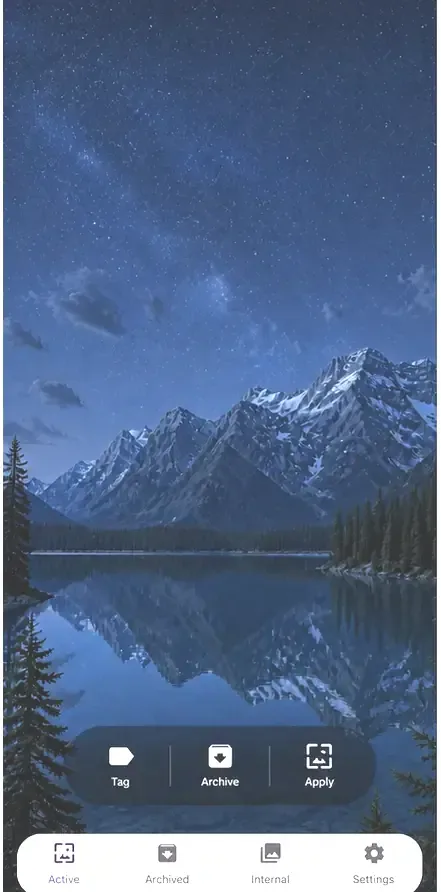
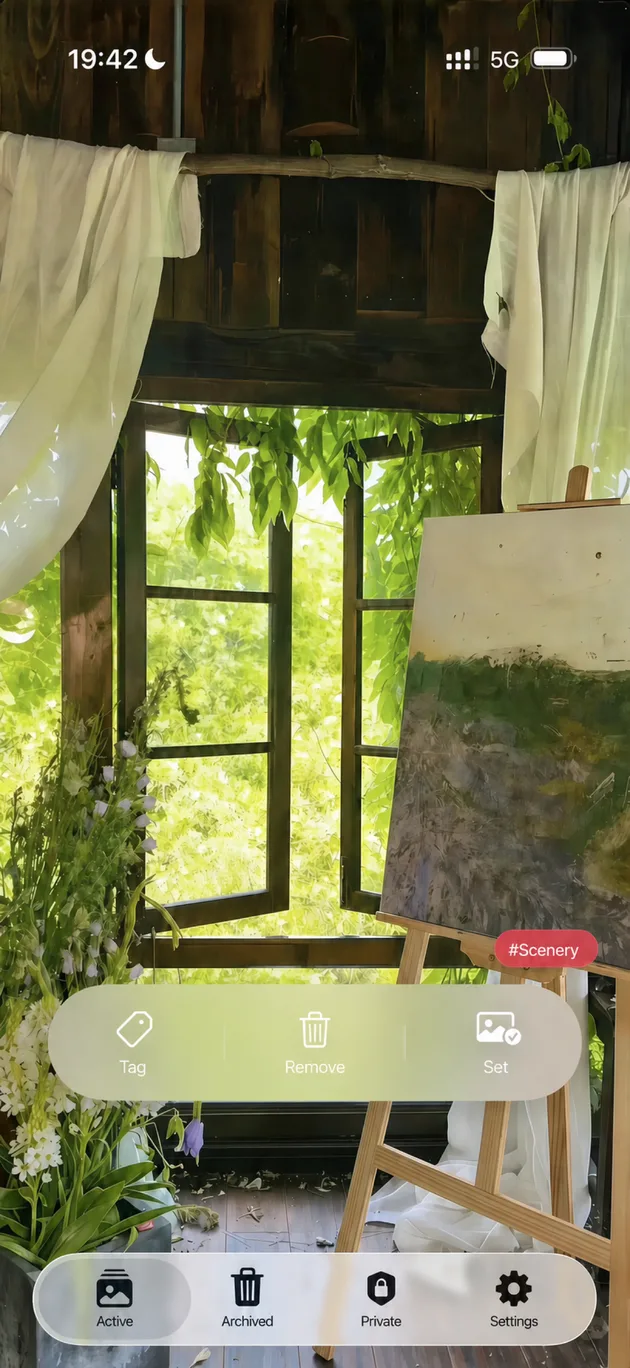
MiraFolio is an iPhone wallpaper companion that keeps your favorite photos in rotation, helps automate wallpaper changes with Apple Shortcuts, and offers an optional private album.

Email Support

Quick help

Start with these common MiraFolio topics, or send us an email if you still need help.

Automation

Change wallpapers automatically

Install MiraFolio’s ready-made Shortcut, then choose a personal automation trigger in Apple Shortcuts—such as a time of day, charging, or arriving home.

Photo access

Choose which photos to use

MiraFolio only needs access to the photos you want to display and rotate. You can change photo access at any time in iOS Settings.

Private Album

Keep selected photos separate

Private Album photos live inside MiraFolio instead of the system photo library. You can optionally protect them with Face ID and enable iCloud sync.

Frequently asked questions

How do I set up automatic wallpaper changes?
Open MiraFolio and install its ready-made Shortcut. In Apple Shortcuts, create a personal automation and choose when it should run, such as hourly, at a time of day, while charging, or when you arrive home. Wallpaper changes are performed by iOS through Apple Shortcuts.
Why does MiraFolio need access to my photos?
Photo access lets MiraFolio display and rotate the photos you authorize. Photo processing happens on your device. You can review or change access in iOS Settings under Apps, MiraFolio, Photos.
How does the Private Album work?
Private Album photos are stored inside MiraFolio’s app container and do not appear in the system photo library. You can optionally protect the album with Face ID, Touch ID, or your device passcode, and you can enable iCloud sync for your own Apple Account.
How do I restore a Pro purchase?
Use MiraFolio’s restore-purchases option while signed in with the same Apple Account that made the original purchase. Apple processes payments and restores through the App Store.
What should I do before deleting MiraFolio?
Export any Private Album photos you want to keep or make sure iCloud sync is enabled and complete. Deleting the app removes locally stored Private Album photos and other local app data.

Browse more MiraFolio questions and answers →

Contact

Still need help?

Email support@nexalify.ai. Include your iPhone model, iOS version, MiraFolio version, and the steps that led to the issue when possible. Please do not attach private or sensitive photos.

Email support@nexalify.ai