When the built-in option is enough
If you only want to shuffle a set from Apple Photos using Apple’s built-in frequencies, Photo Shuffle is simple, free, and needs no extra app.
Compared with the built-in way
iPhone's built-in Photo Shuffle is handy — free, no app needed. MiraFolio covers what it can't: no repeats, swipe away what you don't like, keep private photos separate.
Download on the App StoreMiraFolio
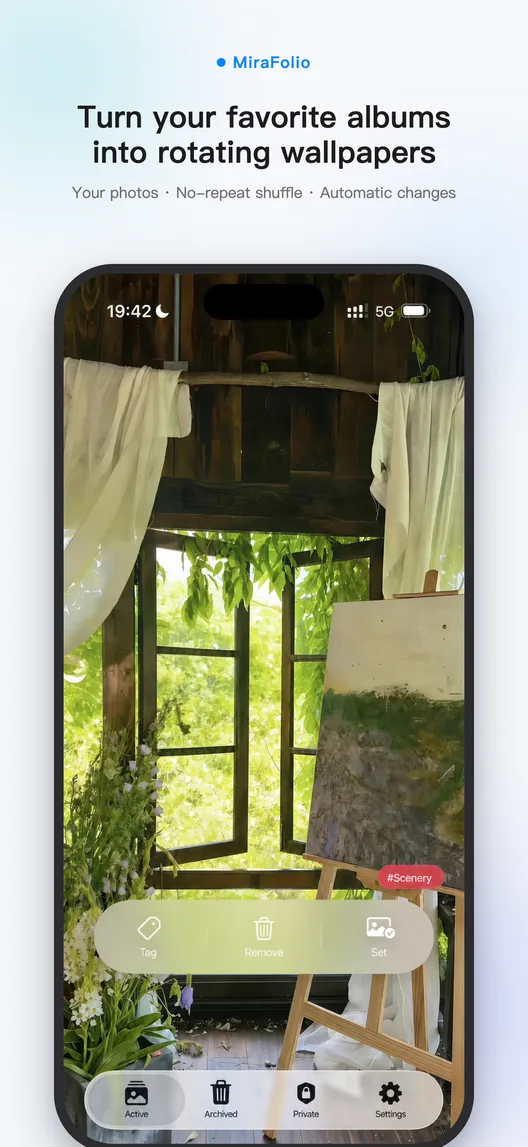
If you only want to shuffle a set from Apple Photos using Apple’s built-in frequencies, Photo Shuffle is simple, free, and needs no extra app.
Choose MiraFolio for a complete no-repeat rotation, sequential order, orientation filters, swipe-to-archive curation, more automation triggers, or a wallpaper library separate from Apple Photos.
| iPhone built-inPhoto Shuffle / DIY Shortcuts | Photo wallpaper companion | |
|---|---|---|
| A complete no-repeat rotation | No visible whole-rotation progress or user-controlled no-repeat pass | Guaranteed. The full pool plays before a reshuffle, so every photo gets a turn |
| How it rotates | Shuffle with Apple’s built-in frequency options | Random or in order; portrait-only filtering, and you can go back one |
| Framing around people | Detects the person and can zoom around their position, cropping the original composition and weakening the wallpaper’s visual balance | Keeps the original framing without person-centered auto-zoom; portrait and landscape filters are also available |
| See one you don't like | Back to Settings to re-edit and re-pick photos | One swipe and it's gone; restore anytime |
| Where photos come from | System categories, one album, or a manual pick | Albums or in-app folders; combine by tags, like “Travel” + “Sunset” |
| Private photos | Draws from Apple Photos, so wallpaper material remains in the system photo library | Stored separately as app data, protected by Face ID / Touch ID, with optional iCloud sync |
| Images on your computer | Import with iCloud Photos, AirDrop, or other Apple transfer options | Batch-import to the private album from a browser; connect your own AI endpoint for bulk tagging |
| Automatic scheduled changes | Built-in frequencies; custom triggers require creating and maintaining your own Shortcuts | Ready-made Shortcut installed in one tap — hourly, arriving home, while charging |
| Price | Free (built into iOS) | Rotation, curation, archive, and Shortcuts are free; Pro unlocks WiFi transfer and new private-album imports |

The photos you love most deserve to be seen every day.
Download on theApp Store